
Authentication
BlogBowl API uses token-based authentication. To authenticate your requests, include anAuthorization header with your API token.
Step 1 — Get your token
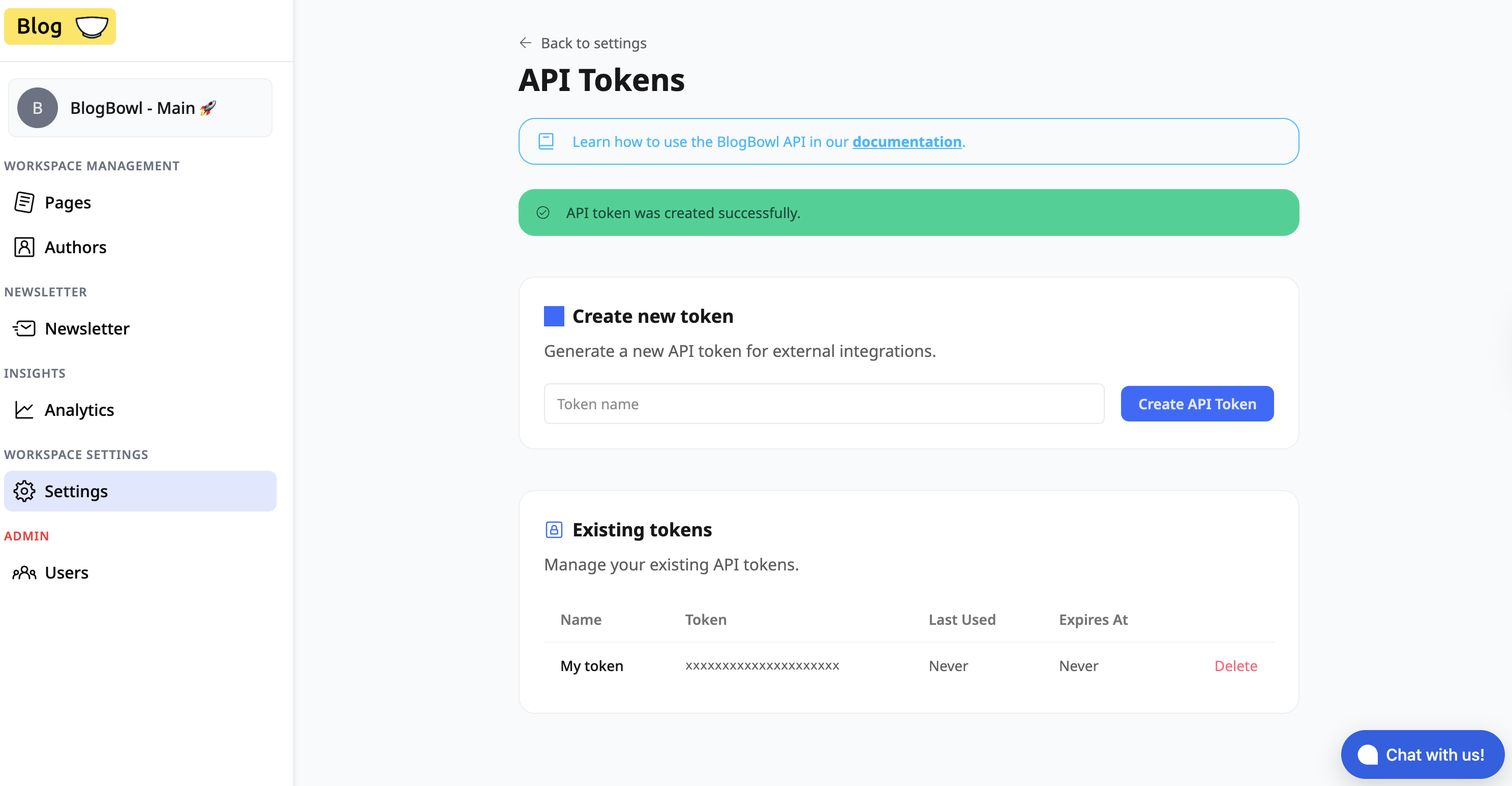
- Open workspace settings BlogBowl.
- Copy your authentication token from the dashboard.
Step 2 — Add the Authorization header
Include the token in every API request using the following header:Example
Notes
- Replace
<YOUR_TOKEN>with the token copied from the UI. - Keep your token private and do not expose it in public repositories or client-side code.
- Requests without a valid token will be rejected.